Table Management
Every table, always under control
Manage your floor plan, generate per-table QR codes, track live occupancy, and spot which tables need attention, all from one screen.

30 sec
To generate and print a QR code
0
Extra apps guests need to install
₹0
Per table per month
∞
Tables you can add
Your whole floor on one screen
Visual floor map
See every table's status at a glance.
Per-table QR codes
Each table gets its own download-ready code.
Live occupancy tracking
Free / Occupied / Bill, colour-coded.
Custom table labels
Window, Patio, Bar 1: name them however you like.
Paper menus are holding you back
See exactly what changes when you switch to Restrofi's QR table system.
Before Restrofi
- Printed paper menus (₹ per reprint)
- Order verbally through waiter
- Reprint entire menu on any change
- No way to know which table ordered what
After Restrofi
- Live QR menu, always updated
- Self-order from phone, order tagged to table
- Update reflects instantly across all tables
- Every order auto-tagged to the correct table
Where to put your QR codes
Three proven placements that get every guest scanning in seconds.
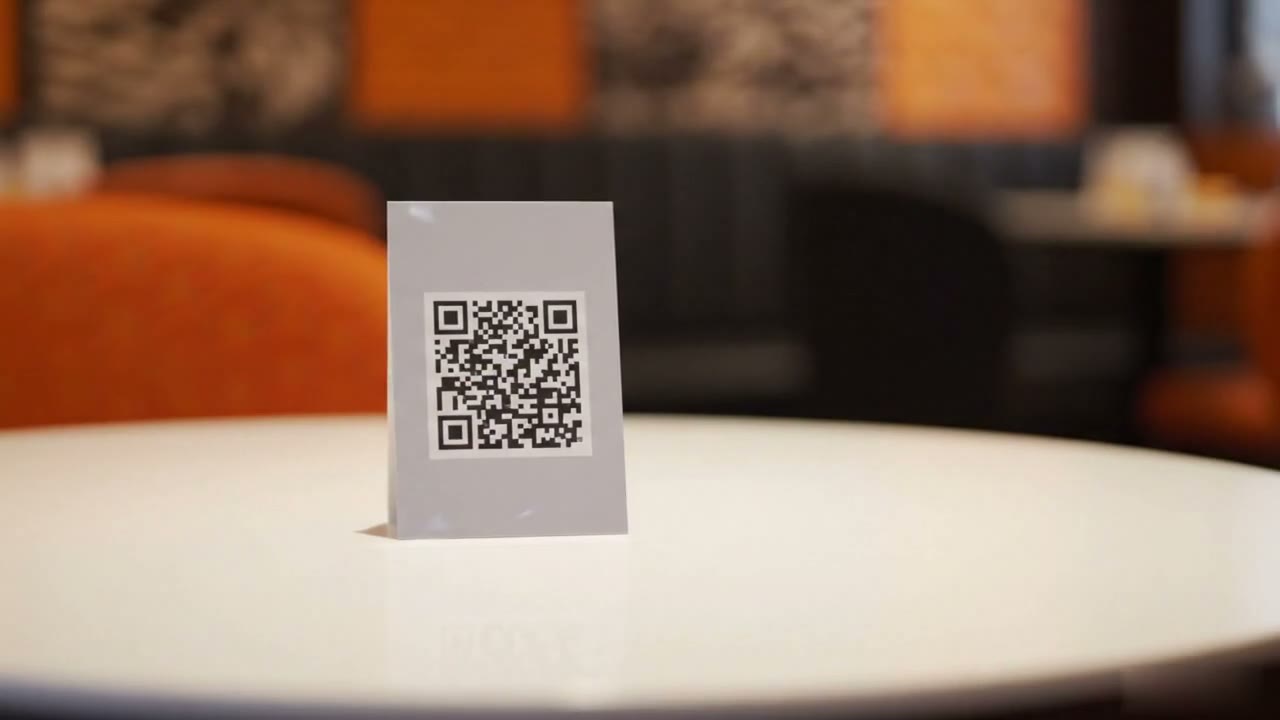
Table Tent
Place upright at the centre of the table. Laminate for spill resistance; it lasts for months.
Menu Cover
Stick QR on the back cover of existing printed menus. Guests scan before even opening the menu.
Receipt Slip
Print QR at the bottom of every receipt. Guests can reorder or pay by scanning the slip.
One QR code per table. It just works.
Every table in your floor plan automatically gets a unique QR code. Guests scan, see only your menu, and place their order, already tagged with the correct table. No confusion, no mix-ups.
- Download print-ready SVG at any size
- Rename tables anytime, QR updates automatically
- Works on any phone without an app install
Floor status at a glance
Green means the table is free and ready. Yellow means an order has been placed. Red means the guest has requested the bill. Your team knows exactly where to go without radio calls.
Green
Table is free and availableYellow
Order placed, kitchen workingRed
Check requested by guest
Up and running in minutes
01
Add tables
Add your tables to the floor plan
02
Label
Label them: T-1, Window, Patio, whatever fits
03
Download
Download QR SVGs with one click
04
Place
Print, laminate, and place on each table
Common questions about table management
How many tables can I set up in Restrofi?
Every Restrofi plan includes unlimited tables — Premium (₹699 per outlet per month) and Chain alike.
How does table QR ordering work?
Each table gets a unique QR code. Guests scan it, open the menu in their browser, and order directly. The order is tagged to the table and appears on the KDS.
Can I reuse a QR code if I rearrange my tables?
Yes. Each QR code is tied to a table name/number you define. Update the table name in settings and the same QR code will reflect the new label.
Can multiple guests at the same table order separately?
Yes. Multiple guests can scan the same table QR code simultaneously and place independent orders — all tagged to the same table in the dashboard.
Do I need to print new QR codes if I change my menu?
No. The QR code points to a URL that always loads your current menu. Menu changes are live immediately without reprinting QR codes.
Take control of your floor plan today
From ₹699/outlet/month. Zero commission. Cancel anytime.