Live Orders
Every order, every table, in real time
A live Kanban board showing every active order across your restaurant. New orders appear instantly. Nothing gets missed.

One board for the whole floor
SSE real-time
Server-sent events deliver every order in milliseconds.
Kanban board
New / Preparing / Ready columns at a glance.
Order history
Every order logged with timestamps and item details.
Real-time via SSE. No polling, no delay.
Orders flow from guest to dashboard to kitchen in milliseconds using server-sent events. The moment a guest confirms their order, it lands on your Kanban board. No refresh, no lag, no missed tickets.
- Per-table labels on every order card
- Timer showing how long each order has been waiting
Live orders in numbers
- Order appears via SSE
- < 1 secOrder appears via SSE
- Missed orders with live Kanban
- 0Missed orders with live Kanban
- Dashboard layout
- KanbanDashboard layout
- Every order logged
- Full historyEvery order logged
Guest → Dashboard → KDS in one flow
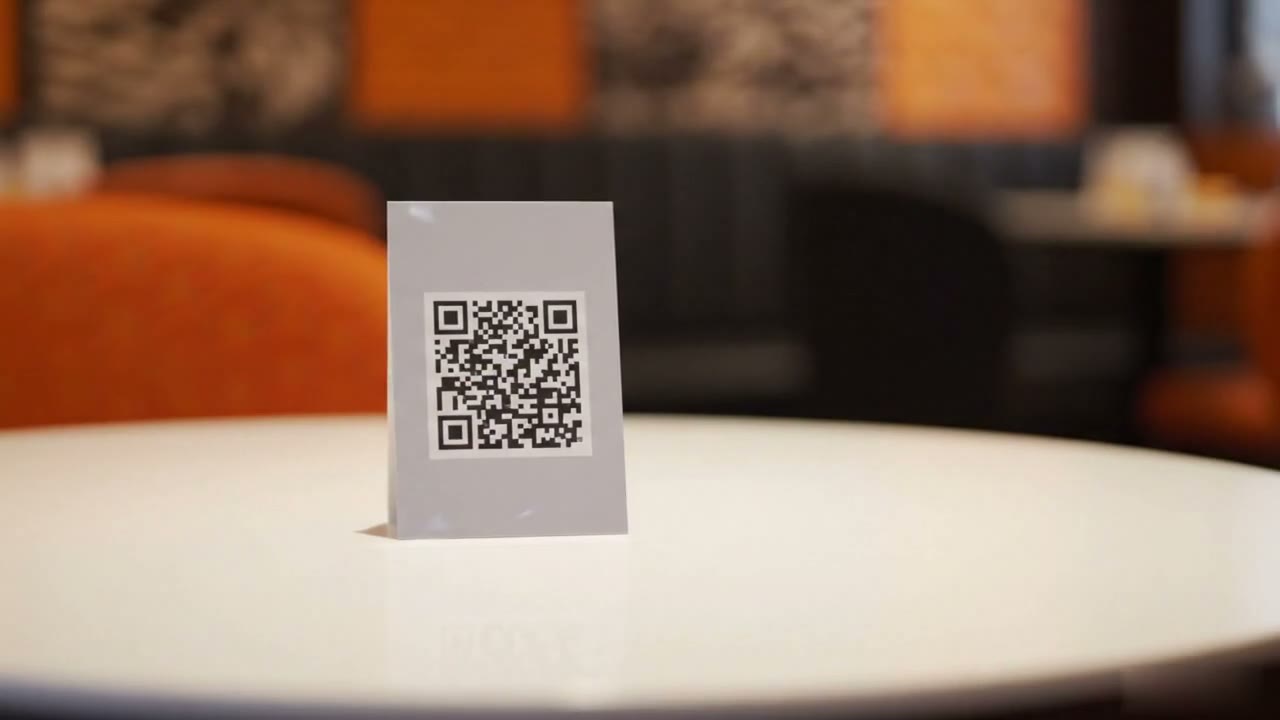
One connected system with zero information gaps. The guest orders from QR menu, the manager sees it on the dashboard, the kitchen gets it on the KDS, simultaneously. No re-entry, no verbal relay.
- Kanban dashboard for managers and front-of-house
- KDS screen for kitchen staff: same order, different view
- Full order history with timestamps and item details
The guest orders from QR menu
The manager sees it on the dashboard
The kitchen gets it on the KDS
Order lifecycle
01
QR placed
Guest scans QR and places order
02
New column
Order appears instantly in New column
03
In Progress
Kitchen prepares and moves to In Progress
04
Ready
Marked ready, waiter notified
Common questions about order management
How are orders managed in Restrofi?
Orders appear in real time on the dashboard and KDS. Staff can update order status (preparing, ready, served), and guests can track their order on their phone.
Can I accept takeaway orders as well as dine-in?
Yes. Restrofi supports dine-in (table QR), counter/takeaway, and delivery order types from the same dashboard.
Can I accept orders for multiple tables simultaneously?
Yes. All active table orders are shown simultaneously in the dashboard. The KDS displays all open orders sorted by arrival time with urgency timers.
Is there a limit on the number of orders per month?
Unlimited orders on every plan — Premium (₹699 per outlet per month) and Chain have no monthly order cap.
Can staff modify orders after they are placed?
Yes. Staff can add items, mark items unavailable, or cancel orders from the dashboard — with all changes reflected on the KDS immediately.
See every order, every table, live
From ₹699/outlet/month. Zero commission. Cancel anytime.