Restaurant Inventory

Restaurant inventory management that keeps up with every order

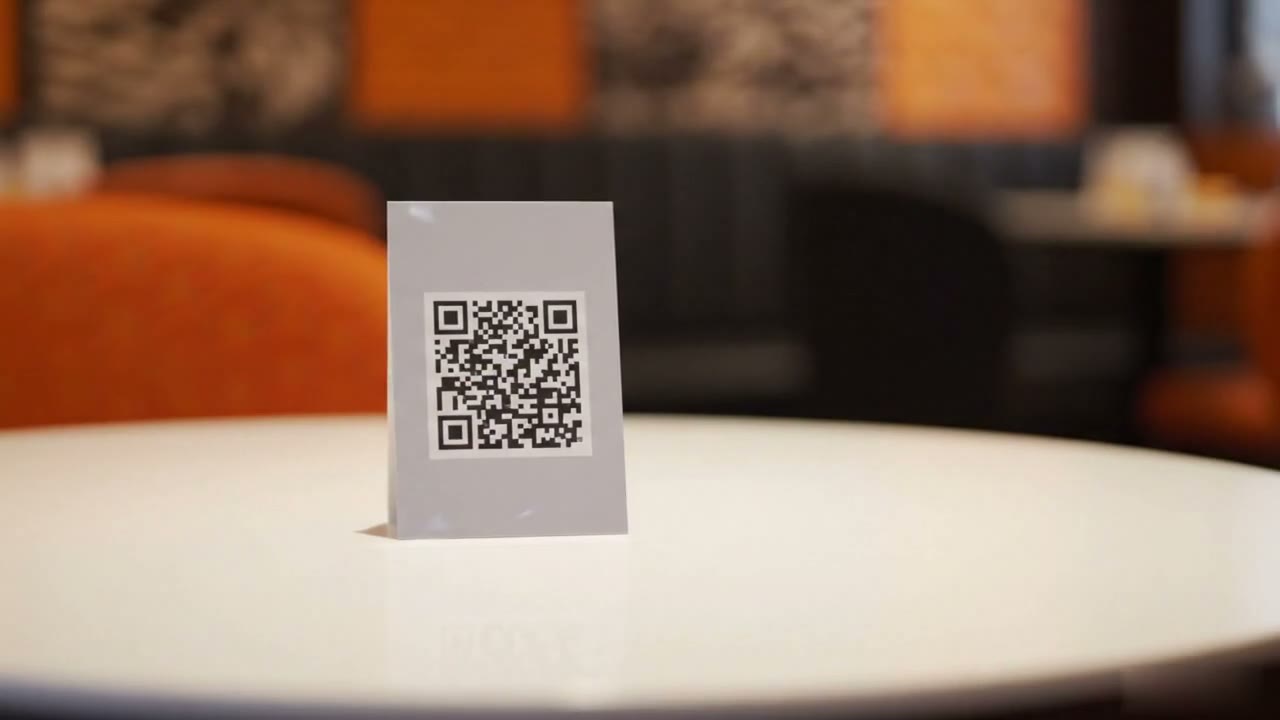
Restrofi's restaurant inventory tracks ingredient stock, takes it off through recipes each time an order is accepted, and flags items at their reorder level. Mark a dish unavailable in one tap and it leaves every table's QR menu.
Stocked commercial restaurant kitchen with pots on the range

1 tap

Hides a dish from every QR menu

Every order

Deducts stock through its recipe

30 days

Of consumption behind each forecast

₹0

Extra hardware cost

Inventory at a glance

Ingredient stock

Units, pack sizes and a reorder level for every item.

Recipe deduction

Each accepted order takes its ingredients off stock.

1-tap unavailability

One toggle hides a dish from every QR menu.

Accurate guest menu

Guests never order what the kitchen can't make.

Restaurant inventory features, from stock to Sold out

Included in Premium (₹699/outlet/month) and Chain.

Stock with reorder levels

Track every ingredient in its own unit and pack size, with a reorder level that shows what needs buying.

Recipes and consumption

Map each dish to a recipe, including variant and add-on rows. Accepting an order deducts what it uses; removed lines hand stock back.

Low-stock alerts

When an order takes an item down to its reorder level, you get one alert for that dip.

Prepared items

Gravies, batters and bases made in batches from raw ingredients, then used in recipes like any stock item.

Wastage and stock counts

Log spoiled stock and staff meals. Count the shelf and fix the differences against what the system expected.

Consumption forecast

Next month's need for each ingredient from the last 30 days of sales, and how much to order to get back above the reorder level.

Stock Autopilot add-on · ₹599/outlet/month

Stock Autopilot does the stock work for you

An optional add-on on top of Premium or Chain. It watches stock against your recipes so the menu stays honest without anyone remembering to toggle it.
  • Automatic Sold out: a dish goes Sold out on every menu when stock can't make one more serving, and comes back after a restock
  • Recipes for the whole menu: drafts a recipe for every dish in one go, and you review each one before it's saved
  • Bill photo to stock: photograph a supplier bill and its lines become a stock purchase

Stock Autopilot

per outlet per month
₹599per outlet per month
Add-on on top of Premium or Chain
OptionalAdd-on on top of Premium or Chain

One tap saves the awkward conversation

Before Restrofi, your staff had to play messenger between kitchen and guests. Not anymore.

Before Restrofi

  • Server says sorry, we ran out
  • Guest reorders, kitchen delays
  • Manual cross-outs on printed menu
  • Staff interrupt kitchen for updates

After Restrofi

  • Item never shows on menu
  • Menu always accurate
  • Live digital toggle
  • Dashboard toggle, 2-second sync

Built for every type of Indian restaurant

  • Cafes & Bakeries
  • Full-Service Restaurants
  • Cloud Kitchens
  • Bars & Lounges
  • Dhabas
  • Food Courts
  • Hotel Restaurants
  • Quick Service

One tap. Every menu. Instantly.

Your kitchen staff handles a shared tablet. The moment an ingredient runs out, they toggle the item off. In under 2 seconds, every QR menu across all your tables shows the item as unavailable, and no guest orders it again that shift.
  • No cache delay, live sync via server-sent events
  • Toggle individual items or entire categories
  • Re-enable with the same tap when restocked

Category-level control built in

Running out of Desserts before closing? Mark the entire Desserts category unavailable in one tap. Every item in it disappears from the guest menu instantly. Individual item control and category-level control work together seamlessly.
  • Mark entire categories unavailable (e.g., Desserts)

  • Individual items can be toggled independently

  • Stock Autopilot can flip dishes to Sold out for you

How does inventory work across a chain?

Every outlet runs its own stock, so the numbers each manager sees are the numbers of their own store room. Restrofi does not move stock between outlets or run a central kitchen today; each outlet buys and tracks its own.

Stock, recipes, suppliers and purchase bills kept per outlet
Food cost % and margin per dish, outlet by outlet
Auto Sold out at the outlet whose ingredient ran out (Stock Autopilot)
Prepared items (gravy bases, dough) made in batches at each outlet
Forecast with a recommended order quantity per outlet
Stock Autopilot drafts recipes for a whole menu in one pass

POS-native, standalone or ERP inventory?

Types of restaurant inventory system compared
POS-native inventoryStandalone inventory appERP
ExamplesRestrofi (Premium and Chain)Separate stock and purchasing appsERP suites used by large groups
Stock deducted when a dish sellsYes, from the order itselfNeeds a sales import or integrationUsually via POS integration
Sold out on the menu when stock runs outYes (Stock Autopilot)Not usuallyNot usually
Central kitchen and inter-outlet transfersNot in RestrofiVaries by productUsually
Accounting and financeExpenses, day close, profit and lossVaries by productFull accounting

Restrofi is POS-native: stock is part of the same system that takes the order. Groups supplied from a commissary need an ERP or central-kitchen system for that part.

How it works

01

Add stock items

Enter ingredients with units, opening stock and reorder levels

02

Map recipes

Set what one serving of each dish uses

03

Sell as usual

Every accepted order deducts its ingredients

04

Reorder and count

Restock from alerts and the forecast; count to correct

Common questions about inventory

What does Restrofi's restaurant inventory management include?
Ingredient stock items with units, pack sizes and reorder levels; a recipe for each dish; automatic stock deduction when an order is accepted; low-stock alerts; prepared items made in batches; a wastage log; stock counts; a movement ledger; a next-month forecast; and one-tap item availability on the QR menu.
Does Restrofi deduct ingredient stock automatically?
Yes, once a dish has a recipe. When an order is accepted, each ingredient in the recipe is taken from stock, including variant and add-on recipes. Lines removed from an order hand their stock back.
What is Stock Autopilot?
A paid add-on at ₹599 per outlet per month. It marks a dish Sold out on every menu when stock can't make one more serving, drafts recipes for the whole menu for you to review, and turns a photo of a supplier bill into a stock purchase.
Can I mark a menu item as sold out by hand during service?
Yes. Toggle any item or a whole category to unavailable from the dashboard and it disappears from the guest QR menu. Tap again to bring it back.
Which plans include inventory management?
Stock, recipes, counts and wastage are on Premium (₹699 per outlet per month) and Chain. Stock Autopilot is an optional add-on at ₹599 per outlet per month.
How does inventory work for a restaurant chain?
Each outlet keeps its own ingredient stock, recipes, suppliers and purchase bills, so stock, food cost % and low-stock alerts are always for the outlet that used them. Dishes sell out automatically at the outlet whose ingredient ran out (with Stock Autopilot), prepared items are made in batches at each outlet, and the forecast recommends a purchase quantity per outlet.
Can Restrofi transfer stock between outlets or run a central kitchen?
No. Restrofi does not have central kitchen management or stock transfers between outlets today. Each outlet buys and tracks its own stock. A chain whose outlets are supplied from a commissary needs an ERP or a POS with a central-kitchen module for that part of the business.

Keep your menu honest, always

From ₹699/outlet/month. Zero commission. Cancel anytime.