QR Ordering
QR code ordering for restaurants, no app needed
QR ordering in numbers
- App downloads required
- 0App downloads required
- Menu loads on 4G
- < 2 secMenu loads on 4G
- Per-table monthly fee
- ₹0Per-table monthly fee
- Min screen width supported
- 360pxMin screen width supported
Built around the table, not an app store
One QR per table
Any phone, any browser
Pay at counter
Live to kitchen in <1s
A menu your guests will love
Photos that make guests hungry
Half / Full size variants with separate prices
Add-ons like extra naan or raita
Per-item special instructions
From scan to kitchen in seconds
- Kitchen update time
- <1sKitchen update time
- Hardware required
- 0Hardware required
- Browser compatible
- 100%Browser compatible
- Always-on ordering
- 24/7Always-on ordering
Guest scans QR
Branded menu opens in browser0sOrder placed
Guest confirms, pays at counter~45sKDS receives ticket
Your kitchen display updates live< 1sKitchen prepares
Order marked ready, waiter notified~12 min
What is QR code ordering for restaurants?
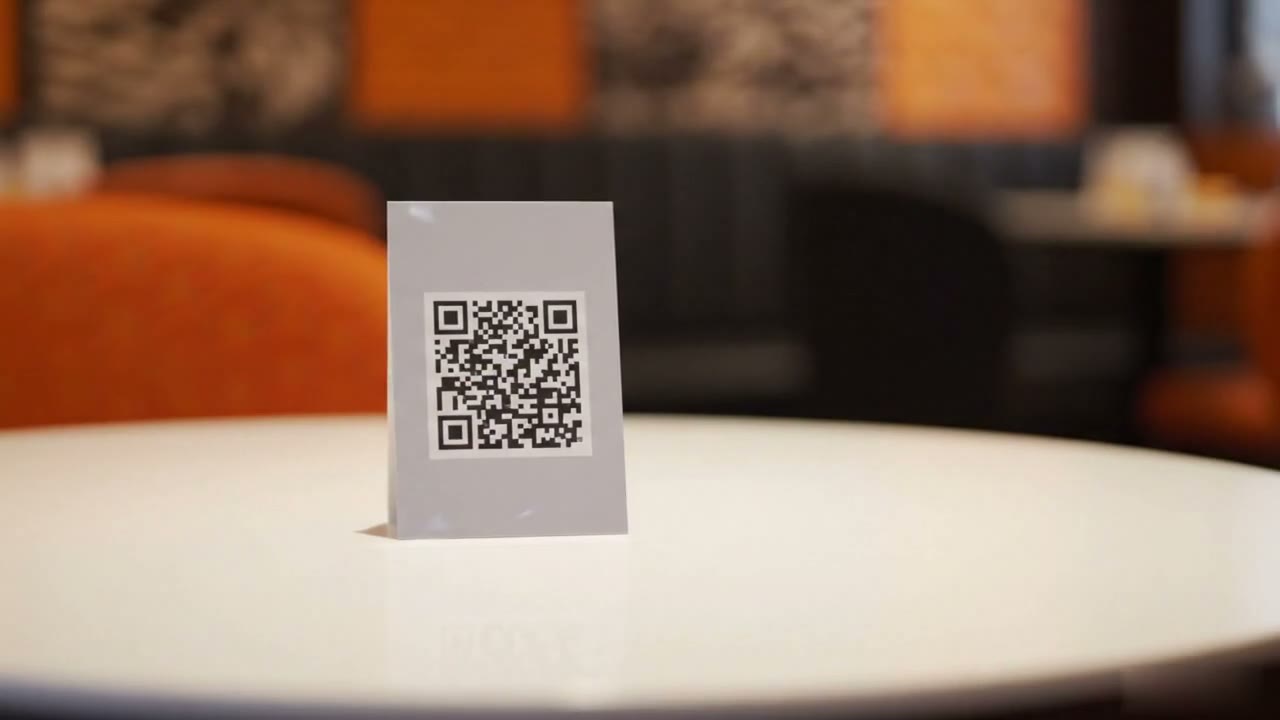
QR code ordering is a contactless ordering system where each restaurant table has a unique QR code on a tent card or sticker. Guests scan the code with their smartphone camera, which opens a branded digital menu in the browser, with no app download required. They browse the menu, customise items with variants and notes, choose a payment method, and confirm the order.
The confirmed order arrives at the kitchen display and dashboard in under one second. Because every QR code is pre-tagged with a table number, orders are automatically assigned to the correct table without any manual entry by staff.
With Restrofi, each table gets its own QR code from your table management screen, and orders reach the kitchen display already tagged to the table. Guests pay at your counter by cash, UPI or card, or online if you connect your own payment gateway. QR ordering is included in Restrofi Premium at ₹699 per outlet per month, with no per-table fee and zero commission. See pricing.
How it works
01
Print QR codes
02
Guest scans
03
Guest orders
04
Order received
Simple for guests. Simpler for your kitchen.
- ₹0 commission on transactions
- 0 app downloads required
Common questions about QR ordering
Do customers need to download an app to use QR ordering?
How do guests pay for QR orders?
How are QR orders linked to the right table automatically?
Can guests add special instructions or customise items?
How long does QR ordering setup take?
Does Restrofi QR ordering work without internet?
Is QR ordering included in every Restrofi plan?
Related